
SC Privacy Desk
Practical help for staying private online
SC Privacy Desk helps you understand and use encrypted chat, Tor, VPNs, private email and safer devices, with facts checked against the tools’ own documentation, the Tor Project, the EFF’s Surveillance Self-Defense guides, regulators’ guidance and published security research. Scatterchat.com was the home of ScatterChat, a secure chat project of the Hacktivismo group, in 2006 and 2007, and was relaunched in 2026 as SC Privacy Desk by a new, independent team.
Privacy basics
Six everyday habits do much of the work of protecting your messages, accounts and browsing, and each card below explains one.
Use end-to-end encrypted chat
Pick a messenger such as Signal that encrypts messages end to end, so only you and the people you talk to can read them. Check how backups are handled, since some apps encrypt only certain chats by default.
Keep devices and apps updated
Install system and app updates as soon as they arrive, because many of them close security holes that attackers already know about. Turn on automatic updates where you can, and retire devices that no longer receive security patches.
Turn on two-step sign-in
Add a second step to your important accounts, starting with email, so a stolen password alone is not enough to get in. An authenticator app or a hardware security key is stronger than codes sent by text message.
Know what a VPN can and cannot do
A VPN hides your traffic from your local network and internet provider and shifts that trust to the VPN company instead. It does not make you anonymous, stop tracking cookies or protect accounts you sign in to.
Use Tor Browser when you need anonymity
Tor Browser routes your connection through three volunteer relays, so the sites you visit do not see your real IP address. Expect slower pages, and avoid signing in to personal accounts when you need to stay anonymous.
Keep separate email addresses
Use one address for banks and close contacts, another for shopping and sign-ups, and aliases for anything you do not fully trust. Separating them cuts spam and makes it harder to link your activity across services.
Latest updates
-

Press Coverage of ScatterChat
ScatterChat drew press and security-community attention mainly during 2006 and 2007, when the scatterchat.com address was its home. The coverage below is a historical record of that period. ScatterChat is not active software, and this independent site has no connection…

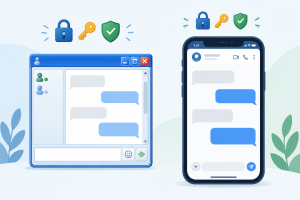
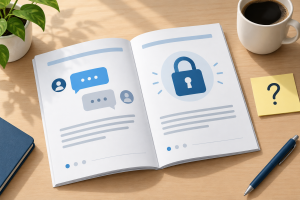

The ScatterChat archive
ScatterChat, an encrypted instant messaging client the Hacktivismo group released in July 2006 for activists and dissidents, was discontinued long ago and is not safe to use today. Its documentation, security advisories and press pages stay here as history, each with an update at the top; SC Privacy Desk has no connection with its developers.
-

Contribute to ScatterChat
-
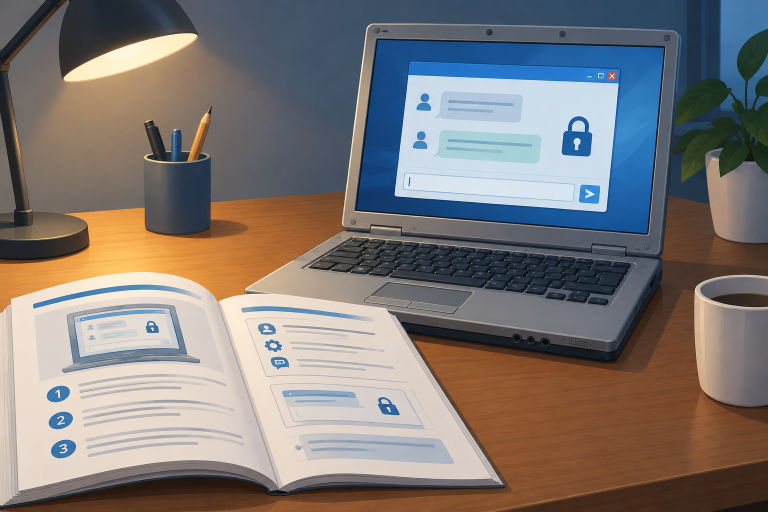
ScatterChat User’s Guide: How the 2006 Encrypted Messenger Worked
-
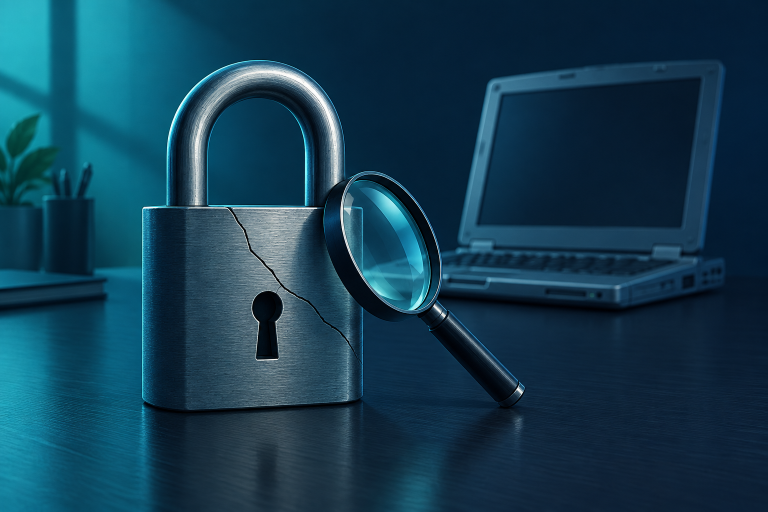
ScatterChat Advisory 2006-01: Cryptanalytic Attack Vulnerability (Plain-English Summary)
-

ScatterChat Advisory 2006-01: Cryptanalytic Attack Vulnerability (Technical Report)
-

ECB Mode and Padding in ScatterChat v1.0’s Protocol
-
ScatterChat Documentation Inaccuracy: The Perfect Forward Secrecy Claim
-
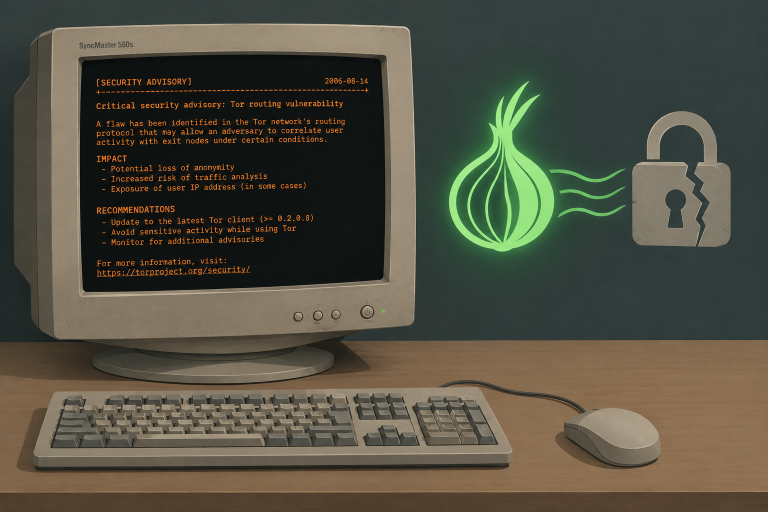
ScatterChat Advisory 2006-02: Win32 Tor Client Routing and Denial of Service Vulnerabilities (Plain-English Summary)
-

ScatterChat Advisory 2006-02: Win32 Tor Client Routing and Denial of Service Vulnerabilities (Technical Report)
-

Press Coverage of ScatterChat
How we check privacy guides
Guides here are checked against the official documentation of each tool, the Tor Project, the EFF’s Surveillance Self-Defense guides, regulators’ guidance and published security research. Every guide shows the date it was last checked, so you can see how current the advice is.